
SALIS: A-life Simulator
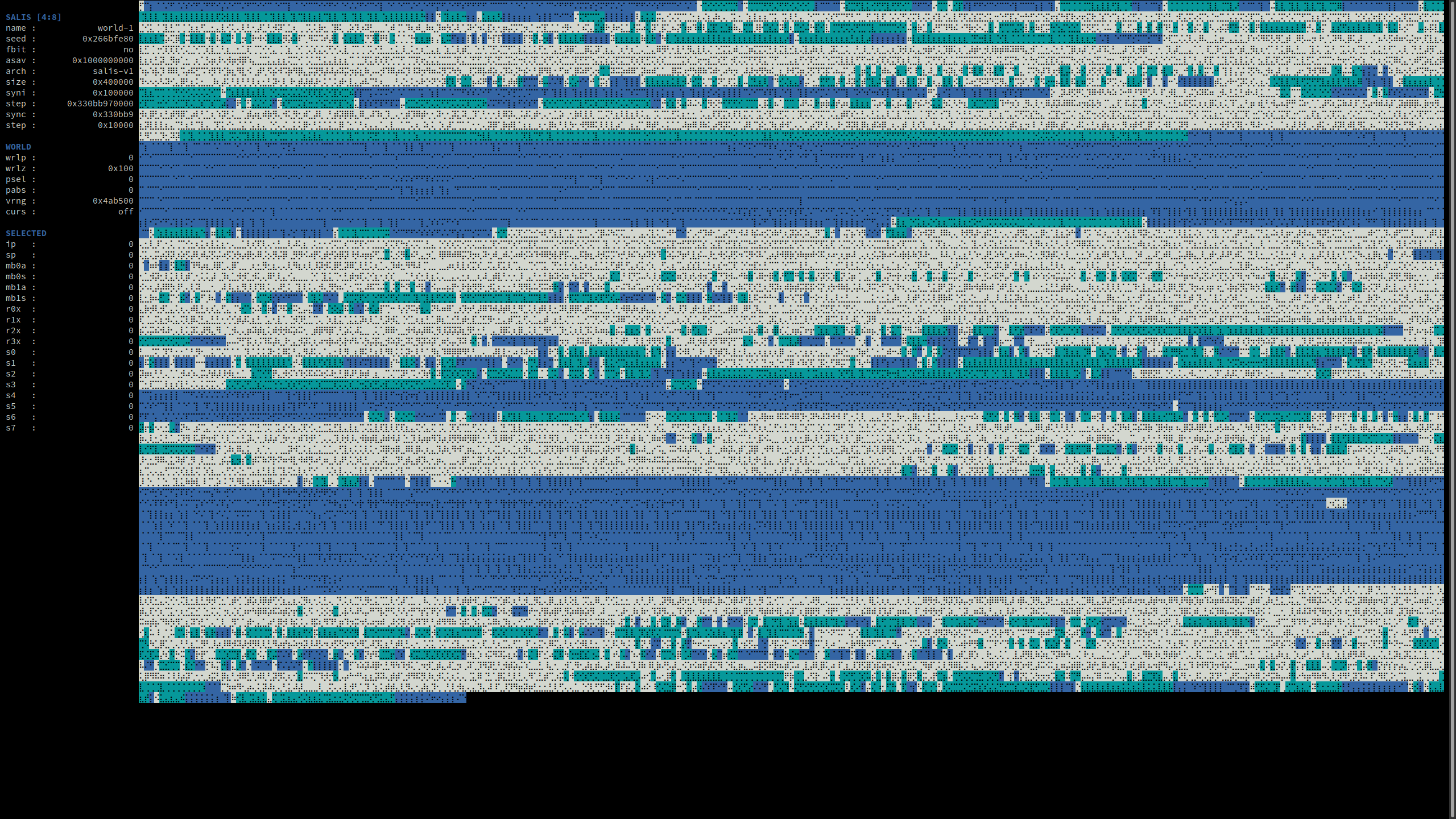 SALIS simulation running the V1 architecture with the curses user interface
Overview
SALIS is a platform for conducting artificial life experiments. It enables the development of Tierra-like virtual machines, with certain limitations. For newcomers, I recommend exploring Tierra first. The following resources provide valuable context and insight into the motivations and implementation of both Tierra and this project:
SALIS V1 Reimplementation
A fully functional clone of the V1 architecture for the SALIS virtual machine has been implemented using the tools available in this repository. For more information on the V1 architecture, including its similarities and differences with the original Tierra simulator, check out the following resources:
Usage
SALIS simulations are initialized using the provided salis.py python script.
Use salis.py new [...] to start new simulations and salis.py load [...] to
load saved simulations. For a full list of available arguments for each command,
run salis.py new --help and salis.py load --help, respectively.
The python script compiles a temporary executable on the fly (compilation typically takes less than a second) based on the specified arguments and launches it immediately.
Different VM architectures can be implemented as standalone C files, plus an
associated vars.py script, within in the arch/ directory. When creating a
new simulation, you can select a specific architecture using the --arch
argument.
Similarly, different user interfaces are implemented as C files, plus an
associated vars.py script, within the ui/ directory. For example, the
curses UI launches a terminal-based simulation visualizer, allowing easy
exploration of SALIS memory cores and processes. In contrast, the daemon UI
provides minimal output, making it ideal for running SALIS as a background
service. Unlike the --arch argument, you can choose a different --ui argument
each time you load a saved simulation.
As an example, the following command will launch a new SALIS simulation with 4
copies of the 55a ancestor organisms pre-compiled in each memory core. It will
use the v1 architecture, run on 8 memory cores, with each core having a size
of 2^22 bytes. The PRNG seed is set to 123456789:
user@host$ ./salis.py new -A55a -av1 -c8 -C4 -m22 -nworld-1 -s123456789 -o
Use Ctrl-C to exit the simulator.
Upon exit, the simulation state will be automatically saved to
${HOME}/.salis/world-1/. As long as the contents of this directory are not
removed, you can reload the saved simulation with the following command:
user@host$ ./salis.py load -n world-1 -o
Data server and client
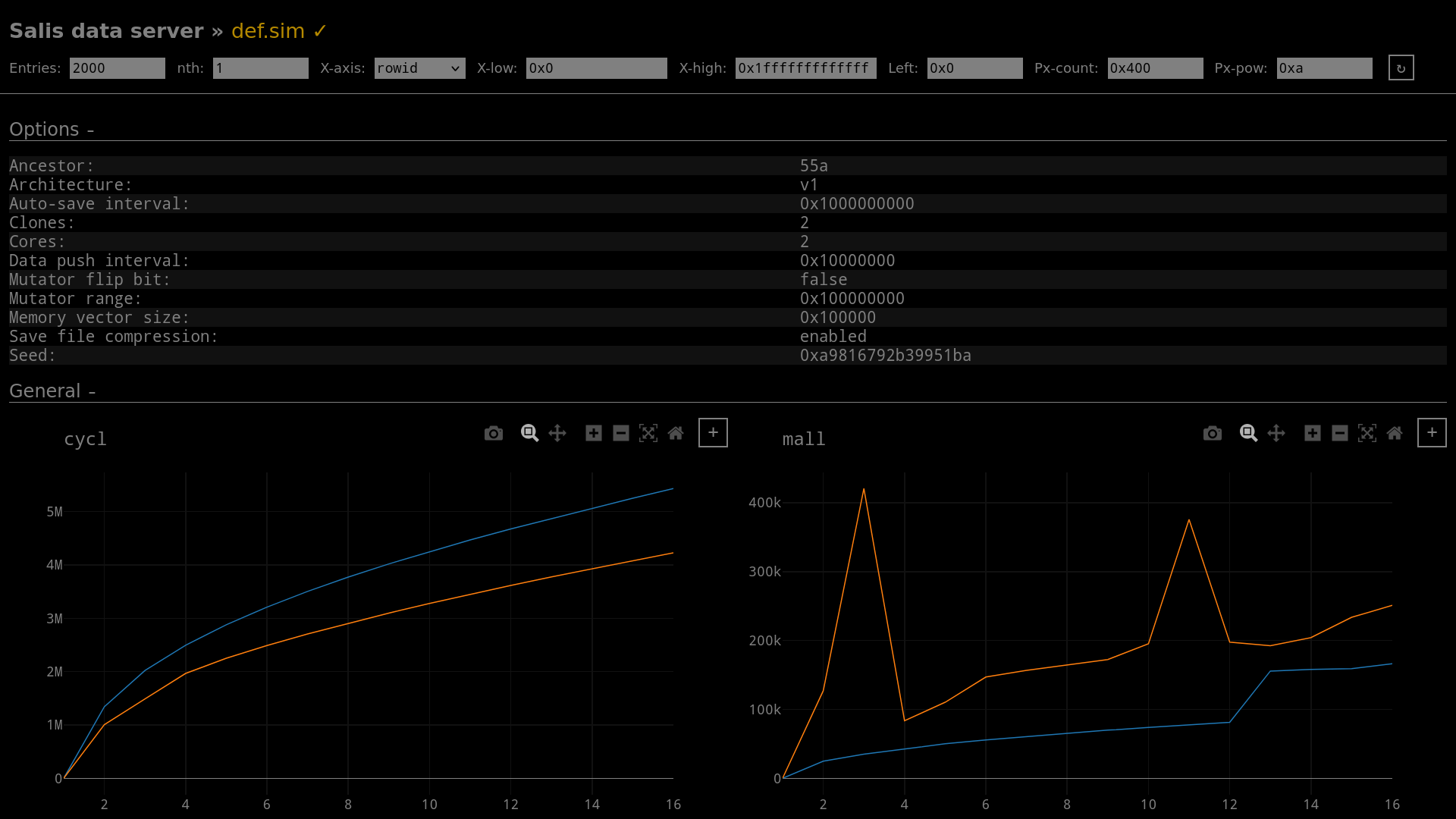 SALIS data client showing live simulation data
This project includes a native data visualizer that plots live simulation data.
A generic set of plots is configured by default for all VM architectures. Each
architecture may expand on these by configuring its own set of plots within
arch/{arch}/plots.cpp. Once a simulation has been created (i.e., exists in
${HOME}/.salis), you may launch the data server with:
user@host$ ./salis.py server -n world-1 -o
The server may run regardless of whether the simulator itself is running or not. Once the server is running, you may attach a client from the local network by running:
user@host$ ./salis.py client -o -i ${SERVER_IP}
Dependencies
- C compiler
- Python
- SQLite
- Zlib
Dependencies (curses UI)
- NCurses
Dependencies (data client)
- GLFW
- ImGui
- ImPlot
- OpenGL
Unit tests
A set of unit tests are included in this repo. Run them using the following command:
user@host$ ./salis.py test
Optionally, you may run a single test (or a test subset) using the -p argument:
user@host$ ./salis.py test -p 'test_v1.*'
Tests will fail in case any needed dependencies are missing, and thus help ensure the host system is properly configured. Ensure all tests pass before attempting to run new simulations.